Creative browser playground
드로잉 월드
선으로 작은 생물을 그리고, 내 월드와 월드 갤러리에 띄워 보는 무료 브라우저 창작 놀이터입니다. 현재 바다 테마가 열려 있으며 온라인 월드는 추후 오픈 예정입니다.
드로잉 월드 소개
드로잉 월드(Drawing World)는 설치 없이 브라우저에서 바로 사용하는 창작형 웹 놀이터입니다. 사용자는 오른쪽의 작은 그리기 영역에 펜과 지우개로 바다 생물, 물체, 상상 속 캐릭터를 간단히 그리고, 완성한 그림을 내 월드에 띄울 수 있습니다. 그림은 큰 원본 이미지가 아니라 작은 스프라이트로 압축되어 저장되므로 스마트폰에서도 부담이 적고, 여러 그림이 화면 속을 천천히 움직이는 모습을 가볍게 감상할 수 있습니다.
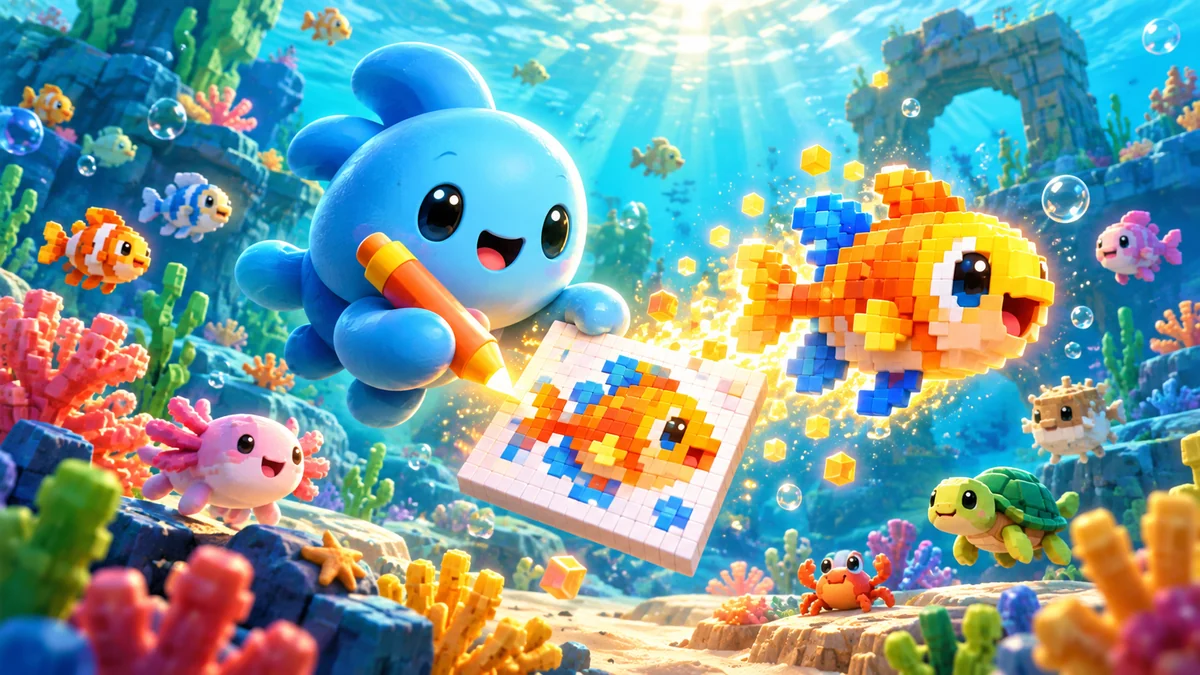
이 기능은 일반적인 그림판처럼 정교한 작품을 만드는 도구라기보다, 아이와 직장인 모두가 짧은 시간 안에 낙서처럼 참여할 수 있는 공간을 목표로 합니다. 내 월드는 브라우저에 저장되는 개인 공간이며, 월드 갤러리는 다른 사용자의 결과물을 카드 형태로 함께 보는 초기 테스트 기능입니다. 온라인 월드는 아직 서비스 전이며, 숲·우주·광고판 같은 테마가 추가될 때 자연스럽게 확장할 수 있도록 월드 중심의 이름을 사용합니다.
이용 방법
- 내 월드에서 펜, 지우개, 색상 팔레트를 이용해 작은 그림을 그립니다.
- 보내기를 누르면 그림이 내 월드에 추가되고 좌우 한 방향으로 천천히 움직입니다.
- 여러 그림을 넣어 나만의 화면을 꾸민 뒤 월드 갤러리에 전시하기를 누를 수 있습니다.
- 전시할 때는 카드 제목과 설명을 입력하고, 월드 갤러리에서는 상세 모달로 작은 미니 월드를 볼 수 있습니다.
공개 공유와 안전 장치
공개 그림 기능은 재미있는 참여 요소가 될 수 있지만, 욕설, 개인정보, 저작권 캐릭터, 부적절한 표현이 올라올 가능성도 있습니다. 그래서 1차 운영에서는 이미지 업로드를 제공하지 않고, 사용자가 직접 그린 작은 그림과 카드 제목·설명만 저장합니다. 또한 익명 UID 기준으로 좋아요와 신고를 1회로 제한해 과도한 반복 요청을 줄이고, 신고 데이터는 공개하지 않도록 분리했습니다.
월드 갤러리의 카드는 검색 노출을 위한 별도 색인 페이지가 아니라, 드로잉 월드 내부에서 즐기는 사용자 참여 요소입니다. 검색엔진에는 이 설명 페이지가 대표 URL로 노출되고, 게임 HTML 파일은 중복 색인을 피하기 위해 noindex 처리되어 있습니다. 이런 구조는 iframe 기능을 사용하면서도 부모 페이지에 충분한 설명, 이용 방법, 안전 정책을 제공해 Google Search Console에서 이해하기 쉬운 페이지로 유지하기 위한 방식입니다.
모바일 사용
드로잉 월드는 PC와 모바일 브라우저에서 모두 사용할 수 있습니다. 모바일에서는 손가락이나 터치펜으로 그리기 때문에 세밀한 그림보다 단순한 형태가 잘 어울립니다. 화면 안에서 그리기 영역과 월드 영역이 세로로 배치되며, 월드 갤러리는 카드 갤러리 형태로 표시됩니다. 별도 앱 설치나 회원가입 없이 바로 사용할 수 있다는 점이 MEINPLAY의 다른 브라우저 게임들과 같은 장점입니다.
한 장의 공동 그림판보다, 내가 만든 작은 세계
펜·지우개·색상으로 작은 생물이나 물체를 그리고 보내기를 누르면 내 월드에서 움직입니다. 여러 그림으로 풍경을 채운 뒤 제목과 설명을 붙여 월드 갤러리에 전시할 수 있습니다. 개인 월드는 현재 브라우저에 저장됩니다.
자주 묻는 질문
다른 사람과 같은 캔버스에 동시에 그리나요?
아니요. 내 월드는 개인 공간이고 월드 갤러리는 전시된 카드들을 보는 기능입니다. 온라인 월드는 아직 서비스 전입니다.
사진이나 완성된 이미지를 업로드할 수 있나요?
이미지 업로드 대신 화면의 펜과 지우개로 직접 그리는 방식입니다. 작은 그림이 스프라이트로 저장되어 월드 안에서 움직입니다.
갤러리에 무엇을 전시하나요?
여러 그림으로 꾸민 월드 카드에 제목과 설명을 붙여 전시합니다. 카드를 열면 작은 월드를 감상할 수 있습니다. 개인정보나 타인의 저작물을 포함하지 마세요.
MEINPLAY 노트
왜 작은 그림판일까
드로잉 월드의 그림판은 일부러 작습니다. 큰 캔버스에 잘 그린 그림을 요구하면 대부분 시작하기 전에 망설이게 되는데, 작은 칸에 선 몇 개로 물고기나 해파리를 그리면 30초 만에 완성할 수 있습니다. 그린 그림은 작은 스프라이트로 저장되어 휴대폰에서도 여러 마리가 동시에 헤엄쳐도 느려지지 않습니다.
그리기 아이디어
- 바다 생물: 물고기, 해파리, 문어, 거북처럼 윤곽이 단순한 생물이 화면에서 가장 잘 보입니다.
- 상상 생물: 다리가 달린 물고기, 우산 모양 해파리처럼 실제와 다른 생물도 괜찮습니다.
- 아이와 함께: 아이가 그리고 어른이 이름을 붙여 주면, 내 월드가 작은 수족관이 됩니다.
그린 그림이 싸우는 걸 보고 싶다면 낙서 배틀을, 그린 그림 넷으로 군단을 꾸려 성을 무너뜨리고 싶다면 낙서 군단을 해 보세요. 같은 “내가 그린 그림이 움직인다”는 재미를 다른 방식으로 즐길 수 있습니다.