Class & Party Tools | Free Tools for Teachers and Groups – MEINPLAY
Together? Let’s get started.
Arrange seats and teams, choose an order, or play a shared game. Thirty tools for classrooms and get-togethers.

From preparation to play.
30 activities
Seat Shuffle
Free random seating chart maker: paired desks, empty and locked seats, front-row requests, keep-apart pairs, no repeats, print or save as an image.
Explore
Random Number Picker
Pick random numbers in any range: no repeats, several at once, excluded numbers and a draw history.
Explore
Draw Lots
Tap folded paper slips to open them: winners and blanks or your own roles and chores, with a draw order and copyable results.
Explore
Presentation Order
Randomize the speaking order for class or meetings, reveal one at a time, track the next speaker and copy the list.
Explore
Dice Roller
Free online dice roller: 1–10 dice, d4, d6, d8, d10, d12 and d20, automatic totals and a running chart of results.
Explore
Coin Flip
Free online coin flip: heads or tails, flip up to 10 coins, rename the sides (Pizza / Burger) and keep a tally.
Explore
Lunch Roulette
Can’t decide where to eat?
Explore
Ladder Pick
A ladder draw where you enter players and hidden results, then reveal them one by one.
Explore
Roulette Pick
A roulette game that spins the wheel to draw one result from your options.
Explore
Random Race
Enter names and watch an unpredictable finish order in a random race.
Explore
Neon Pinball
A draw that drops balls to pick a winner or loser, plus a flipper solo arcade.
Explore
Balanced Teams
Enter names and skill scores to split players into even teams for scrims, sports day or club games.
Explore
Team Slide
Enter names and characters slide down a chute to split into teams automatically.
Explore
Team Train
A train, bus or spaceship picks up riders to split everyone into teams automatically.
Explore
Capsule Gacha
Capsules pop open and characters appear to split everyone into teams automatically.
Explore
World Quiz
Flag quiz, capital quiz and find-the-country on a map.
Explore
Korean Initials Quiz
Guess Korean words from their initial consonants.
Explore
Word Chain
Run a Korean word-chain game on one phone: turn order, timer, lives, the initial-sound rule and repeat checks.
Explore
English Idioms Quiz
Free English idioms quiz with 50 common idioms: idiom → meaning, meaning → idiom, a daily 10 for everyone and team scores.
Explore
Riddles & Trivia Quiz
Riddles with answers plus 4-choice trivia (science, geography, math, history) in one quiz.
Explore
Times Tables & Math Drill
Practice times tables 2–9 plus +, − and ÷: 10-question practice, a 60-second challenge with best scores and a 2-player duel on one screen.
Explore
Number Baseball
Guess the secret number with Strike and Ball hints.
Explore
Map Typing Trip
Type place names on real maps to learn geography and typing together.
Explore
Typing Battle
Type the words a monster throws to counter-attack — Korean/English typing practice with waves and a leaderboard.
Explore
Mafia Game Role Draw
Deal mafia, doctor, police and citizen roles secretly on one phone, with fellow-mafia info, a host view and a day timer.
Explore
Find the Liar
Everyone gets the secret word except the liar.
Explore
Charades Word Picker
Free charades word generator: 230+ words (actions, animals, jobs, things, feelings), team scores, 60–180 second timer, pass limits and your own words.
Explore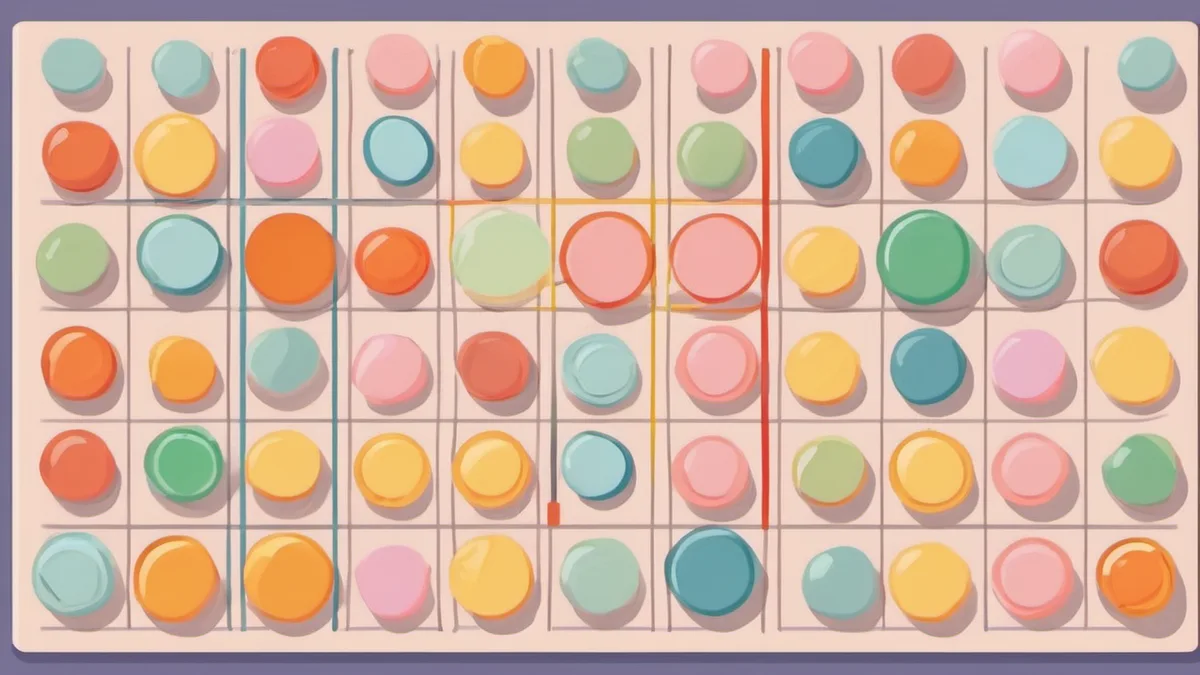
Bingo Maker
Make and play bingo cards in your browser: 3×3, 4×4 or 5×5, numbers or your own words, a caller screen and printable cards (4 per page).
Explore
Reaction Time Test
Click the instant the screen turns green.
Explore
Pomodoro Timer
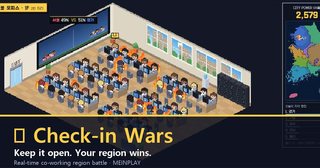
Focus 25, rest 5 — a free study timer with a shared study hall.
ExplorePlan the activity around the task
Use Seat Shuffle or Presentation Order to prepare a session, a team maker for group work, and Charades or Bingo for a shared game. Math Drill and Map Typing Trip suit individual practice. Prepare one or two tools rather than switching through the whole collection.
Rehearse on the device you will use
Try sample nicknames, check screen sharing and sound, then explain the time limit and how ties work. Keep role screens private in Mafia and Find the Liar. Clear practice entries before the group begins.
Enter only what the activity needs
Use numbers or nicknames where possible. Leave out contact details and student IDs, and check what a projector will reveal. Follow each tool's instructions for saving or removing entries.
When should we run a draw again?
Agree on redraw rules before starting, such as a missing or duplicate entry. Random selection alone does not guarantee fairness in every situation. Similar totals in Balanced Teams do not guarantee equal skills or teamwork.
FAQ
Are the tools free?
Yes. They open in the browser with no install or sign-up, on a classroom display or a phone.
Are names stored anywhere?
Names you type stay in your own browser and are not sent to a server.