
Creative World
Make a little world of your own.
Start with a drawing, arrange an aquarium, or watch a small world change. Six ways to create and play.
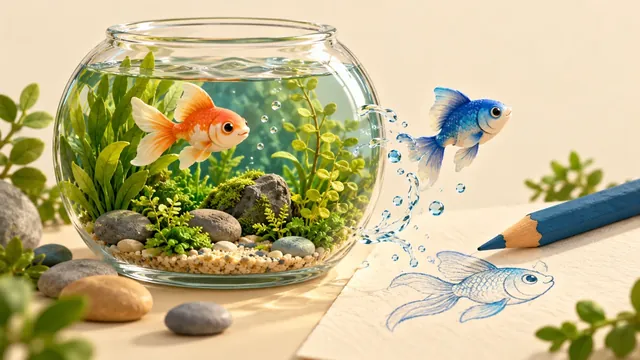
Make something. See what happens.
6 activities

Drawing World
Draw a little creature in pixels and watch it move around a shared world. Pick colors and shapes to make it yours.
Explore
Aqua World
Build a small aquarium with soil, stones, plants and fish, then change the light and the room around it.
Explore
Weather World
Bring rain, snow or sunshine to a tiny village. Watch the villagers react and help the village grow under steady weather.
Explore
Puppy World
Leave toys out and puppies come to visit. Welcome them into the family and watch them run, roll and nap.
Explore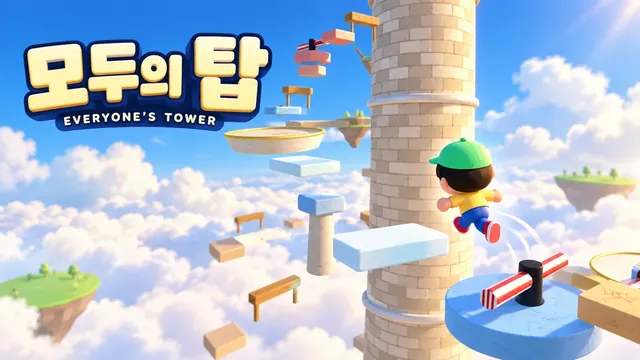
Everyone’s Tower
Climb floors other players built, then build the next floor yourself when you reach the top.
Explore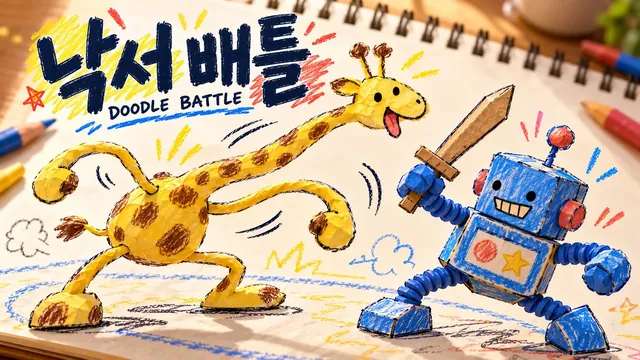
Doodle Battle
Your drawing becomes a 3D puppet that fights with arms, legs and necks. Predict who wins.
Explore
Doodle Army
Four doodles become an army marching on the enemy castle. Ink, miners, upgrades and ultimates in a 5-minute siege.
ExploreChoose making or observing
Drawing World and Doodle Battle start with your own lines. Aqua World lets you arrange prepared objects in 3D. Weather World connects your weather choices with village figures and residents’ behaviour; Puppy World is a yard for feeding and playing with dogs. In Everyone’s Tower, climb other visitors’ platforms and build the next floor.
Try changing one thing
Move one stone in an aquarium or change the area covered by rain. Compare the scene from the same viewpoint before and after. For a family activity, let the child choose the colour or placement while an adult helps with unfamiliar controls. There is no required model to copy.
Check each activity’s saving instructions
This hub links to separate experiences; it does not collect creations in one account. Browser-based records may be lost when using private browsing or clearing stored data. Where an activity offers image saving, keep a separate copy of a scene you want to retain. Check its own instructions for the exact saving and language support.
Frequently asked questions
Do I need drawing skills?
No. Aqua, Weather and Puppy offer prepared objects or environmental controls. Choose drawing, arranging or observing to suit you.
Are these husbandry or scientific teaching tools?
They are creative web experiences. They do not replace real animal-care guidance, climate forecasts or validated teaching materials. Read each service’s explanation of its models and sources.
Can I use a phone?
Touch controls and device requirements differ. Complex 3D scenes can run slowly on some devices; games that combine camera and movement controls may take practice.